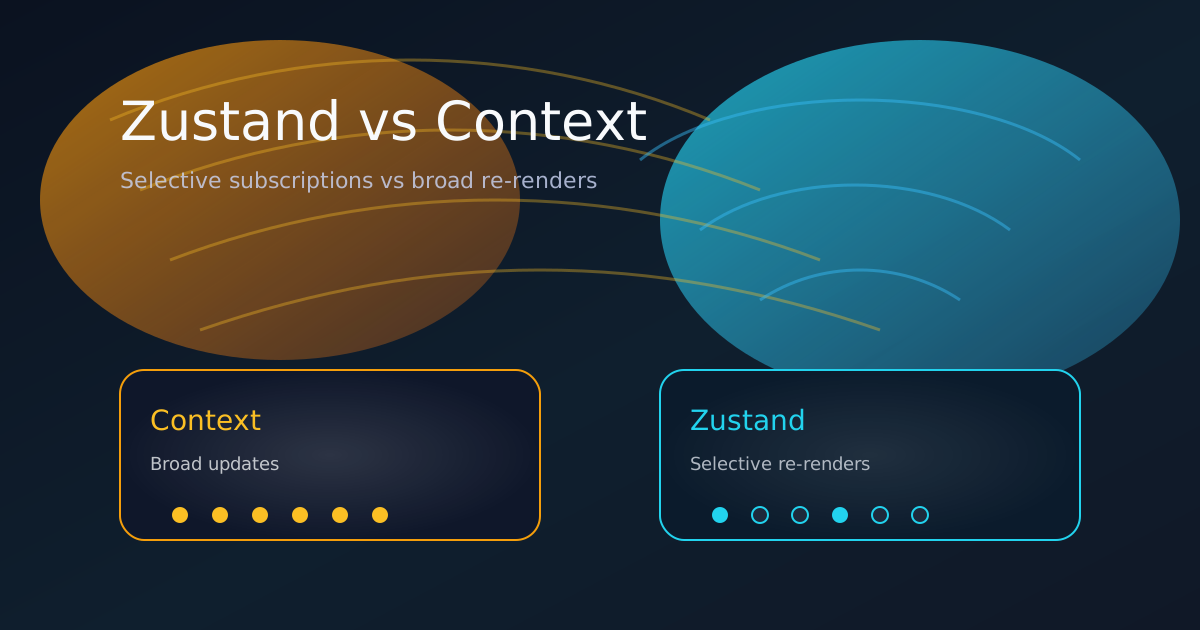
Using Zustand to boost performance in React apps? It works, but watch out for this common footgun.
Try out the demo components at the bottom
Global state lives wherever multiple components need to read or update the same data: user session, cart contents, UI toggles, filters, or form progress.
The right tool depends on scale, update frequency, and how performance-sensitive your UI is. Here's a practical guide with copy-paste examples.
When Context is enough (and preferable)
Use React Context when your state:
- Changes infrequently (theme, locale, auth token, feature flags)
- Is mostly read-heavy with updates happening in only a few controlled places
- Doesn’t need middleware, devtools, or persistence out of the box
Context is zero-dependency and built into React.
The limitation: Every time the context value changes, all consumers re-render (and their entire subtrees), even if they don’t use the updated piece of data.
Here’s a well-optimized theme context using useMemo:
import { createContext, useContext, useMemo, useState } from "react";

type Theme = "light" | "dark";

interface ThemeContextValue {
  theme: Theme;
  setTheme: (theme: Theme) => void;
}

const ThemeContext = createContext<ThemeContextValue | null>(null);

export function ThemeProvider({ children }: { children: React.ReactNode }) {
  const [theme, setTheme] = useState<Theme>("light");
  const value = useMemo(() => ({ theme, setTheme }), [theme]);
  return <ThemeContext.Provider value={value}>{children}</ThemeContext.Provider>;
}

export function useTheme() {
  const ctx = useContext(ThemeContext);
  if (!ctx) throw new Error("useTheme must be used inside ThemeProvider");
  return ctx;
}
import { ThemeProvider } from "./ThemeContext";
import { ChildComponent } from "./ChildComponent";
function Provider() {
// ...
<ThemeProvider>
<ChildComponent />
</ThemeProvider>;
}// In a child component — works, but every update re-renders all consumers
import { useTheme } from "./ThemeContext";
export function ChildComponent() {
const { theme, setTheme } = useTheme();
const toggleTheme = () => setTheme(theme === "light" ? "dark" : "light");
return (
<div>
<p>Current theme: {theme}</p>
<button onClick={toggleTheme}>Toggle Theme</button>
</div>
);
}As soon as you have more pieces of state or more frequent updates, this pattern starts to cause broad, unnecessary re-renders.
When (and why) to choose Zustand
Zustand shines when:
- State updates are frequent or affect many parts of the UI
- You want to avoid re-rendering components that don’t depend on the changed data
- You appreciate middleware, devtools, persistence, or simpler composition
Zustand is tiny (~1 KB gzipped), hook-first, and gives you selective subscriptions by default. Only components that subscribe to the exact changed slice of state will re-render — no memoization gymnastics required.
How Zustand prevents unnecessary re-renders
With Zustand, you write a selector that picks exactly the data your component needs.
Zustand subscribes your component only to changes in the returned value (using strict equality checks under the hood) and your comonents don't need to be wrapped in a privider.
// zustand store — global state with selective subscriptions
import { create } from "zustand";

type Store = {
  theme: "light" | "dark";
  setTheme: (theme: "light" | "dark") => void;
  cartCount: number;
  addToCart: () => void;
};

export function useStore = create<Store>((set) => ({
  theme: "light",
  setTheme: (theme) => set({ theme }),
  cartCount: 0,
  addToCart: () => set((s) => ({ cartCount: s.cartCount + 1 })),
}));
// In a component — selective & performant
import { useStore } from "./store";

function Component() {
  const theme = useStore((state) => state.theme);
  const setTheme = useStore((state) => state.setTheme);
  const toggleTheme = () => setTheme(theme === "light" ? "dark" : "light");
  return (
    <div>
      <p>Current theme: {theme}</p>
      <button onClick={toggleTheme}>Toggle Theme</button>
    </div>
  );
}
// Theme toggle component — only re-renders when theme changes
function ThemeToggle() {
  const theme = useStore((s) => s.theme);
  const setTheme = useStore((s) => s.setTheme);

  return (
    <button onClick={() => setTheme(theme === "light" ? "dark" : "light")}>
      Toggle to {theme === "light" ? "dark" : "light"}
    </button>
  );
}

// Cart badge — only re-renders when cartCount changes
function CartBadge() {
  const count = useStore((s) => s.cartCount);
  return <span className="badge">{count}</span>;
}
Best practice: combining multiple values
When a component needs several pieces of state, use one of these patterns:
- Separate selectors (safest, most performant)
const count = useStore((s) => s.cartCount);
const items = useStore((s) => s.items);- Shallow equality for objects (clean when you need a small group)
import { useShallow } from "zustand/react/shallow";

const { count, total } = useStore(
  useShallow((s) => ({
    count: s.cartCount,
    total: s.cartTotal,
  })),
);
Both prevent unnecessary re-renders when unrelated state changes.
These live demos show the difference in action.
These components are identical except for how they subscribe to state changes. Open the console and refresh the page. You'll see logs for each render. Click the button in Child C to update the state and watch how only the relevant components re-render with Zustand, while all consumers re-render with Context.
Context Demo
view source codeClick "Say Hello" to update the context state. Notice how every component except for Child A flashes because of re-renders, even if they don't access the updated value. Check the console to see the updates logged for every component.
Grandparent
This component and all children re-render when the context state updates, even if they don't access the updated value.
Parent
This component and all subscribed children re-render when the context state updates, even if they don't access the updated value.
Child A
This child doesn't subscribe to the shared context and still re-renders when the context state updates because it's a child of the provider.
Child B
This child accesses state from context, but not the variable in Child C, but it will still re-render when the state updates because it's a child of the provider.
Child C
Zustand Demo
view source codeClick the button to update the shared state. Each child subscribes to Zustand, but only Child C accesses the updated value, so only Child C re-renders when the button is clicked.
Grandparent
This component subscribes to the shared store, but doesn't access the same value as Child C, so it won't re-render when Child C updates the state.
Parent
This child subscribes to the shared store, but doesn't access the same value as Child C, so it won't re-render when Child C updates the state.
Child A
This child doesn't subscribe to the shared state and won't re-render when the state updates.
Child B
This child subscribes to the shared store, but doesn't access the same value as Child C, so it won't re-render when Child C updates the state.
Child C